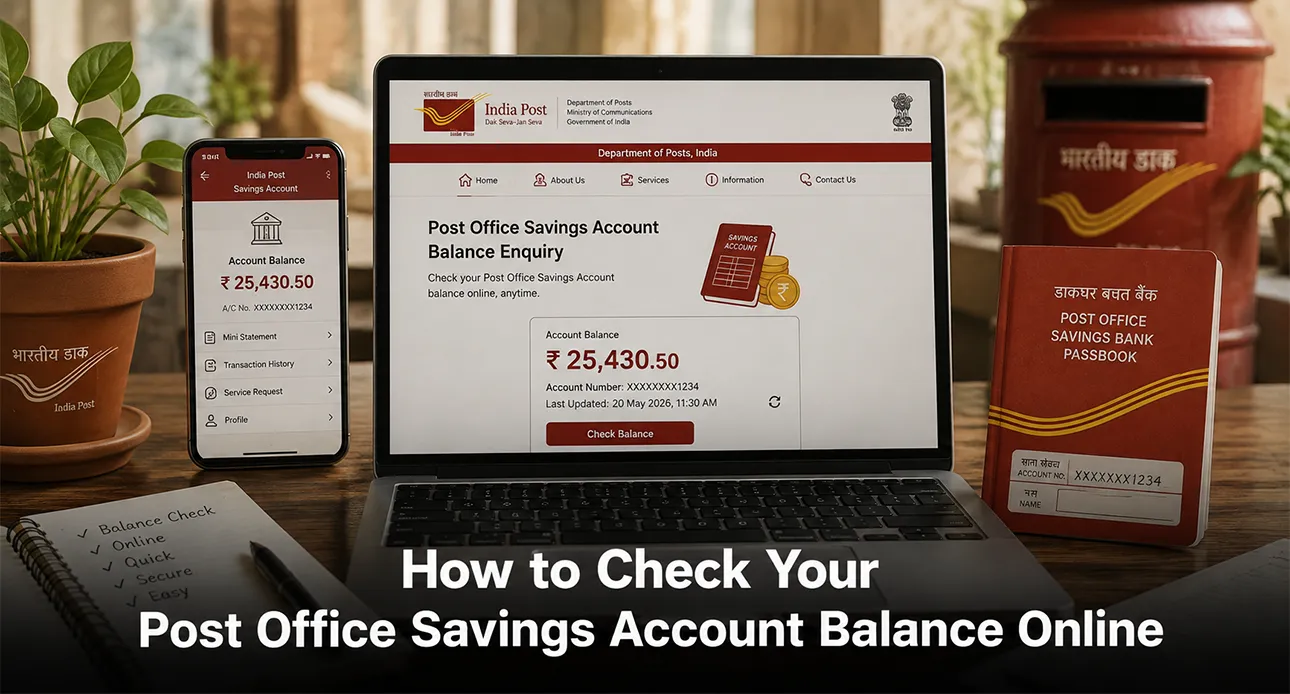
Highlights:
- Check your Post Office Savings Account balance online using the India Post ePassbook facility.
- Use 1800 266 6868 for balance enquiry through India Post’s IVR service.
- Your registered mobile number, account number, and OTP are needed for online balance checks.
Checking your Post Office Savings Account balance does not always mean visiting a post office. If your account is eligible for the online services offered by India Post, you can check your balance through the ePassbook facility.
You can also use the official India Post IVR service for a quick balance enquiry. The service is available through the registered mobile number linked to your account.
If you are searching for a post office balance check number, a post office balance enquiry number, or want to know how to do a post office balance check by account number, here is what you need to know.
How to Check Your Post Office Account Balance Online?
India Post offers an ePassbook facility for Post Office Savings Bank (POSB) schemes. It allows eligible account holders to check their balance online.
Here is how you can check your balance:
- Visit the India Post website and open the ePassbook facility.
- Enter your registered mobile number and the captcha.
- Log in using the OTP sent to your mobile number.
- Select the relevant savings scheme.
- Enter your account number, registered mobile number, and CAPTCHA.
- Verify the OTP.
- Select Balance Enquiry to view your account balance.
India Post's ePassbook facility also provides a mini statement for some schemes.
Also Read: Best Post Office Savings Schemes in 2026
What Is the Post Office Balance Check Number?
If you prefer to check your balance over the phone, you can use the India Post IVR service.
The official post office balance check number is:
1800 266 6868
You need to call from your registered mobile number. After connecting, follow the IVR instructions and select the option for account balance enquiry. India Post states that its IVR facility is available 24/7, except on official holidays.
For POSB customers, the IVR service allows balance enquiry across National Savings Schemes. You need to enter your account number followed by the # key when prompted.
How to Do a Post Office Balance Check by Account Number?
You can use your account number to check your balance through the ePassbook facility.
To complete a post office balance check by account number, you will need your:
- Post Office Savings Account number
- Registered mobile number
- OTP
- Relevant savings scheme details
Once your details are verified, select Balance Enquiry to view the available balance.
You can also enter your account number during the IVR balance enquiry process after calling 1800 266 6868.
Also Read: Difference Between Savings Account and Current Account
Can You Check Your Post Office Balance Without Visiting the Post Office?
Yes, eligible POSB account holders can use the ePassbook facility to check their balance online.
However, your registered mobile number is important for the online process because OTP verification is required. If the mobile number is not linked to your account, India Post advises customers to visit the post office where the account is held to link it.
What Other Details Can You Check Online?
The ePassbook facility is not limited to balance enquiry.
Depending on the scheme, you may also be able to view a mini statement. India Post states that the mini statement facility is currently available for Savings Account (SB), PPF and SSA schemes.
The ePassbook service can also allow available statements to be downloaded.
What If You Cannot Check Your Post Office Account Balance Online?
If you are unable to access the ePassbook facility, first check whether your mobile number is correctly linked to your account.
You can also contact India Post customer care at 1800 266 6868. The current India Post website lists customer care hours as 8:00 AM to 8:00 PM, while the IVRS facility is available 24/7 except on official holidays.
If the issue is related to your account or mobile number, you may need to visit the concerned post office for assistance.
Is It Safe to Check Your Post Office Balance Online?
Use only the official India Post website or its official ePassbook service when checking your account details.
Do not share your OTP, account credentials, or other sensitive banking information with anyone. Always make sure you are using an official India Post service before entering your details.
Bottom Line,
Checking your Post Office Savings Account balance can be simple if your account is enabled for the available digital services.
You can use the ePassbook facility to check your balance online or call 1800 266 6868 for the official IVR service. If you are looking for a post office balance check number or post office balance enquiry number, this is the official India Post number to remember.
You can also complete a post office balance check by account number through the ePassbook facility after verifying your registered mobile number and OTP.
Before using any balance-check service, make sure you use official India Post channels and keep your account information secure.
Also Read: How to Apply for NPS Partial Withdrawal Online in 2026
FAQs
1. How can I check my Post Office Savings Account balance online?
You can use the India Post ePassbook facility. Enter your registered mobile number, account number, and OTP to view your balance.
2. What is the Post Office balance enquiry number?
The official Post Office balance enquiry number is 1800 266 6868. You can call it from your registered mobile number and follow the IVR instructions.
3. Can I check my Post Office balance using my account number?
Yes, you can use your account number through the India Post ePassbook facility. You will also need your registered mobile number and OTP for verification.
4. Can I check my Post Office account balance without visiting the post office?
Yes, you can use the ePassbook facility if your account is eligible and your mobile number is linked to it. You can also use the India Post IVR service for balance enquiry.